

Lightkey 5.9

Instructions:
02. Open Keygen.app
03. Click “Select .app” and choose Lightkey.app
04. Open Lightkey.app -> Manage License -> No Internet connection
05. In the keygen, click “Generate” to create a serial number
06. Then copy and paste it into Lightkey’s activation window
07. Save the activation request file when prompted
08. In the keygen, click “Select Request File”
09. Choose the activation request you just saved
10. Then double-click the generated response in Finder to activate
11. Profit.
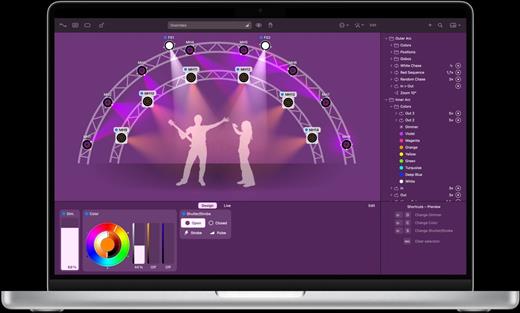
What’s New
Version 5.9:
- Release notes were unavailable when this listing was updated.
macOS 11.0 or later.
Apple Silicon or Intel Core processor
Release Name: Lightkey 5.9
Size: 270.1 MB
Links: HOMEPAGE – NFO – Torrent Search
Download: RAPiDGATOR



